Ask a few people to define Unified Endpoint Management and you’ll get a few different answers. One person calls it mobile device management with a fresh name. Another swears it’s a security tool. Someone else thinks it’s just how you push out software updates. They’re all a little bit right and a little bit wrong, because Unified Endpoint Management isn’t a single tool at all. It’s a bundle of technologies that used to live in separate systems, now pulled together so laptops, servers, phones, and everything in between can be managed from one place.
That’s the part worth slowing down on. Managing devices is old news. What’s actually different now is the expectation that monitoring, patching, remote support, and mobile control should all talk to each other instead of sitting in their own lonely dashboards. Under the hood, that usually comes down to a handful of technologies working together: remote monitoring and management, patch management, mobile device management, remote access, and the reporting layer that keeps everyone informed. Once you see how each one behaves inside a shared console, the whole idea stops feeling abstract. So let’s take them one at a time.
Why the Word “Unified” Is Doing All the Heavy Lifting
For years, keeping devices healthy meant running a small army of tools. One watched for outages. Another handled operating system updates. A third took care of remote access. And company phones? Usually something else entirely. Each tool did its job fine, but they didn’t share notes. A technician could spot an alert in one window, then bounce through three more just to understand it and fix it.
Unified Endpoint Management exists because that setup is exhausting and easy to get wrong. The whole point is to bring those functions into one console, so seeing a problem and doing something about it happen in the same place. You stop stitching information together by hand and start working from a single view of every device. That’s really it. Everything else is just the machinery that makes it possible, so let’s get into it.
RMM: The Part That’s Always Watching
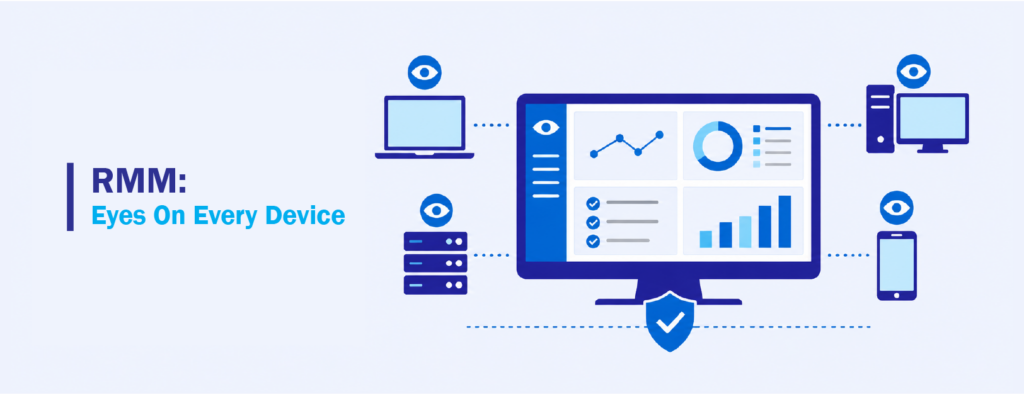
If anything counts as the foundation here, it’s remote monitoring and management, or RMM. This is the layer quietly keeping an eye on your devices around the clock. When a drive is nearly full, a service quits unexpectedly, or a machine drops offline, RMM is what catches it and raises a hand.
The reason it sits at the center of everything is that it works ahead of problems instead of behind them. Nobody has to notice their laptop is crawling and file a ticket. The system spots the early signs on its own, and in a lot of cases it kicks off an automated fix before anyone’s day gets interrupted. That mix of watching and acting is why people tend to call RMM the engine room of the whole operation. Take it away and the rest of the stack is basically working in the dark.
Patch Management: Closing the Doors Attackers Look For
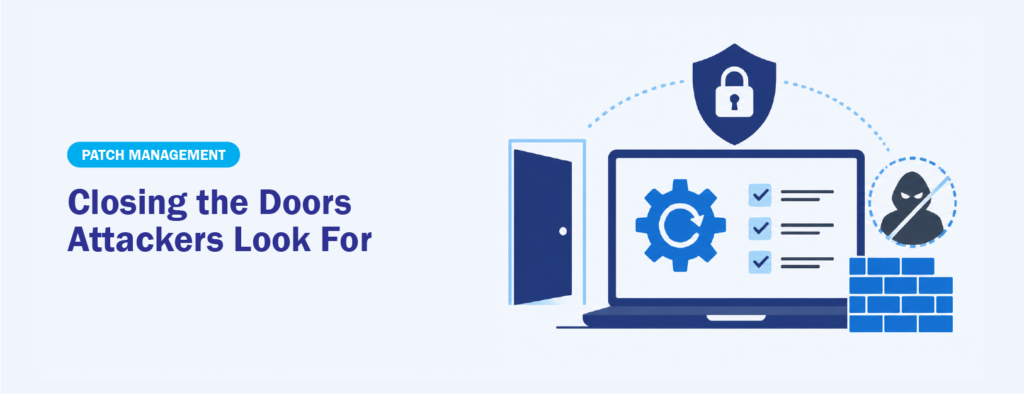
Once you can actually see your devices, the next job is keeping them current, and that’s patch management’s territory. Software makers push out fixes constantly, and a big chunk of those fixes plug security holes that attackers are actively hunting for. The tricky part was never knowing patches exist. It’s getting them onto every single machine, consistently, without wrecking people’s workday.
This isn’t busywork, either. Both CISA and NIST have long pointed to unpatched software as one of the most common ways attackers get their foot in the door, which is why they treat timely patching as a basic security control rather than a nice-to-have. Automated patch management takes that grind off your plate by rolling out updates across operating systems and third-party apps on a schedule you set. When it’s working properly, vulnerabilities get closed quickly and without much fuss, which is exactly how it should go.
MDM: For the Devices That Never Sit Still
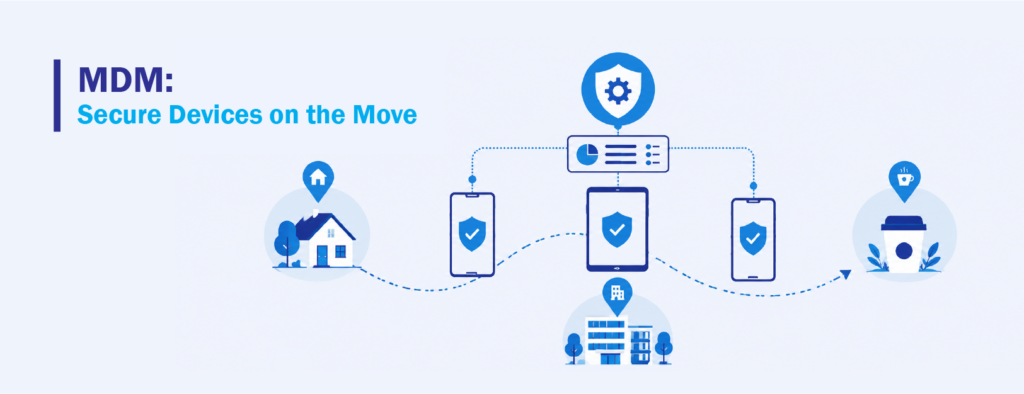
Endpoints aren’t just the tower humming under someone’s desk anymore. Phones and tablets carry email, files, and the keys to company systems, and they go everywhere their owners do. Mobile device management, or MDM, is the piece built for exactly those devices, including the personal ones people use for work.
MDM handles the enrollment, applies security policies, and gives you a way to protect data even after a device walks out the door. Lose a phone or part ways with an employee, and you can enforce the right controls without ever needing the hardware in your hands. Rolling this into a unified platform matters more than it might seem, because a phone is just as much a way in for attackers as any laptop. Leaving mobile off in its own corner kind of defeats the purpose.
Remote Access and One-Click Actions: Fixing Things From Anywhere
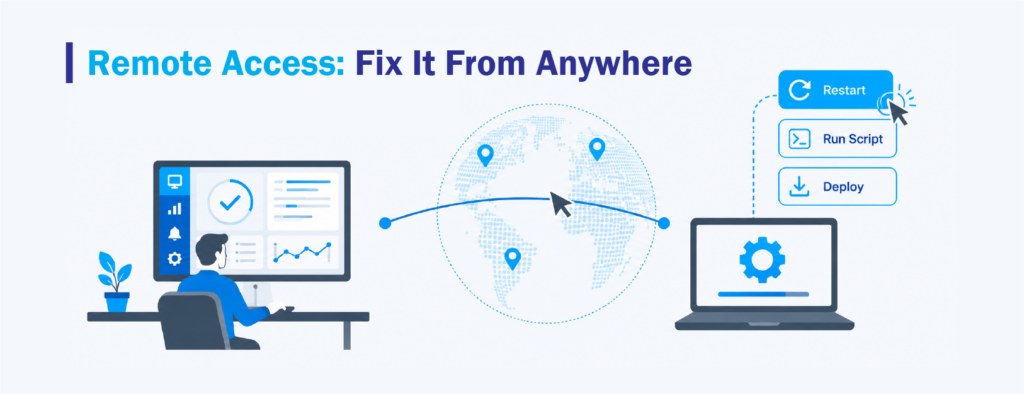
Spotting a problem is only half the battle. The other half is actually doing something about it, no matter where the device or the technician happens to be. Remote access is what lets support take the wheel on a machine and troubleshoot as if they were sitting right in front of it.
There’s a quieter companion to full remote sessions, too, and that’s one-click actions. Instead of firing up a live session for every little thing, a technician can restart a service, run a script, or push a fix in the background while the person keeps working, none the wiser. That behind-the-scenes capability is a big part of why unified platforms save so much time. Problems get sorted out without anyone having to stop what they’re doing.
Monitoring, Alerting, and Reporting: Making the Data Mean Something
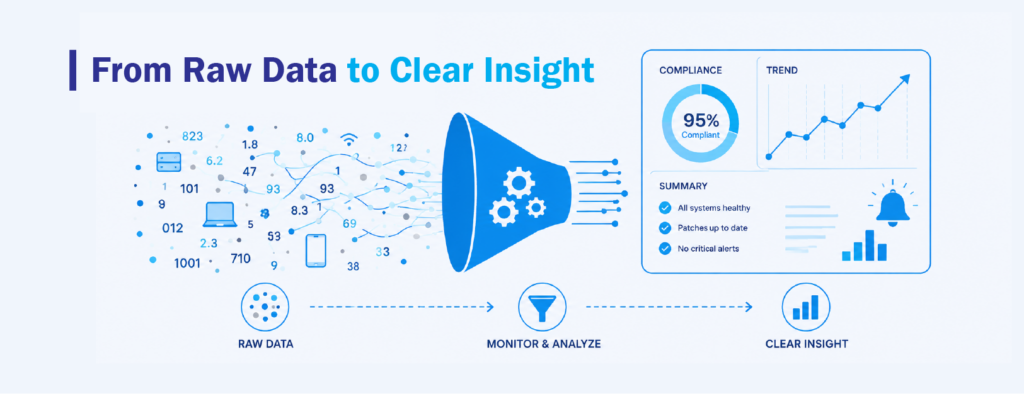
The last piece pulls everything together by turning all that activity into something you can actually read. Endpoint monitoring and reporting goes past just sounding alarms. It gives you a steady, honest picture of your environment so decisions come from facts instead of hunches.
Solid reporting shows you patch compliance across the whole fleet, surfaces the issues that keep coming back, and leaves you with the kind of records that come in handy during audits or security reviews. It also supports your wider endpoint security efforts by making the gaps obvious instead of hidden. When monitoring, alerting, and reporting click into place, a firehose of raw device data turns into something a team can genuinely use, which is the whole reason for putting these tools together in the first place.
Putting the Pieces in One Place
Line those six technologies up and the logic of Unified Endpoint Management clicks. RMM keeps watch, patch management protects, MDM stretches coverage out to mobile, remote access gets problems solved, and monitoring and reporting keep everyone in the loop. Each one earns its keep alone. Together, they cut out the constant tool-hopping and give you one clear way to manage every device you depend on.
That’s also the real test for any platform in this space. It’s not about whether it nails one of these things, but whether it brings all of them together in a way that’s actually pleasant to use. That’s where a platform like NinjaOne fits in. It rolls remote monitoring, automated cross-operating-system patching, mobile management, remote access, and reporting into a single console, and it was named a Leader in the 2026 Gartner Magic Quadrant for Endpoint Management Tools. If you’re tired of juggling tools and want to run everything from one view, that’s the kind of unified setup that makes the whole idea hold up in practice.
Interested in learning more about unified endpoint management solutions like NinjaOne? Email us at marketing@ctlink.com.ph to schedule a meeting with us today!